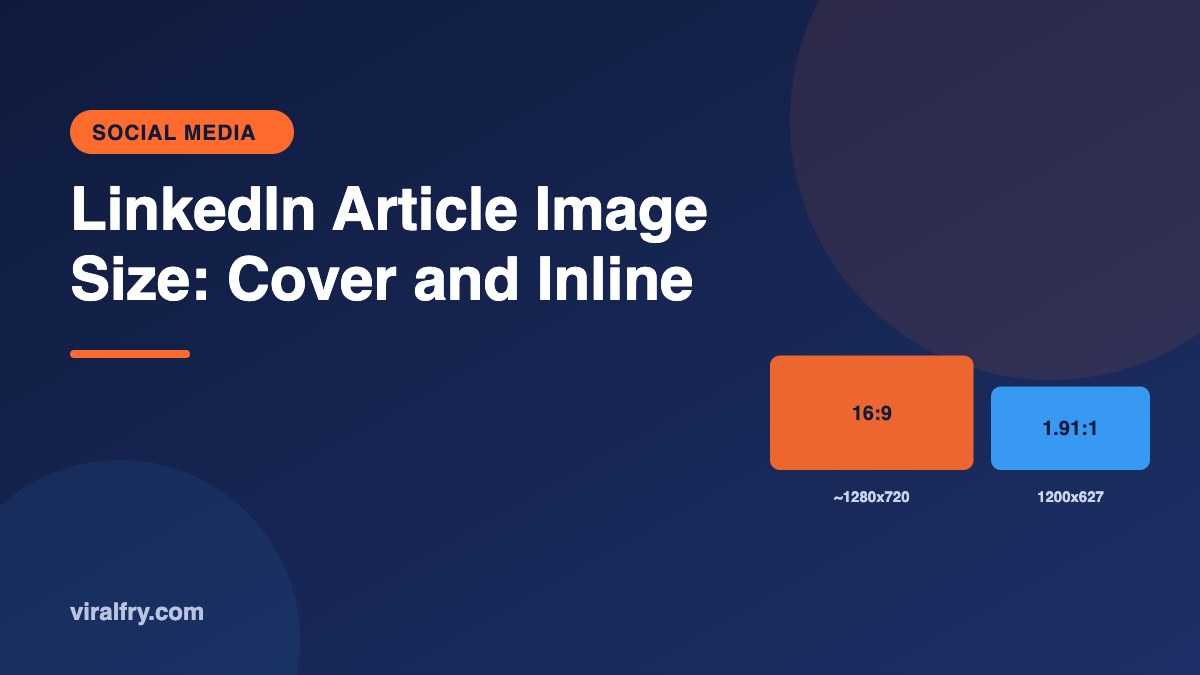
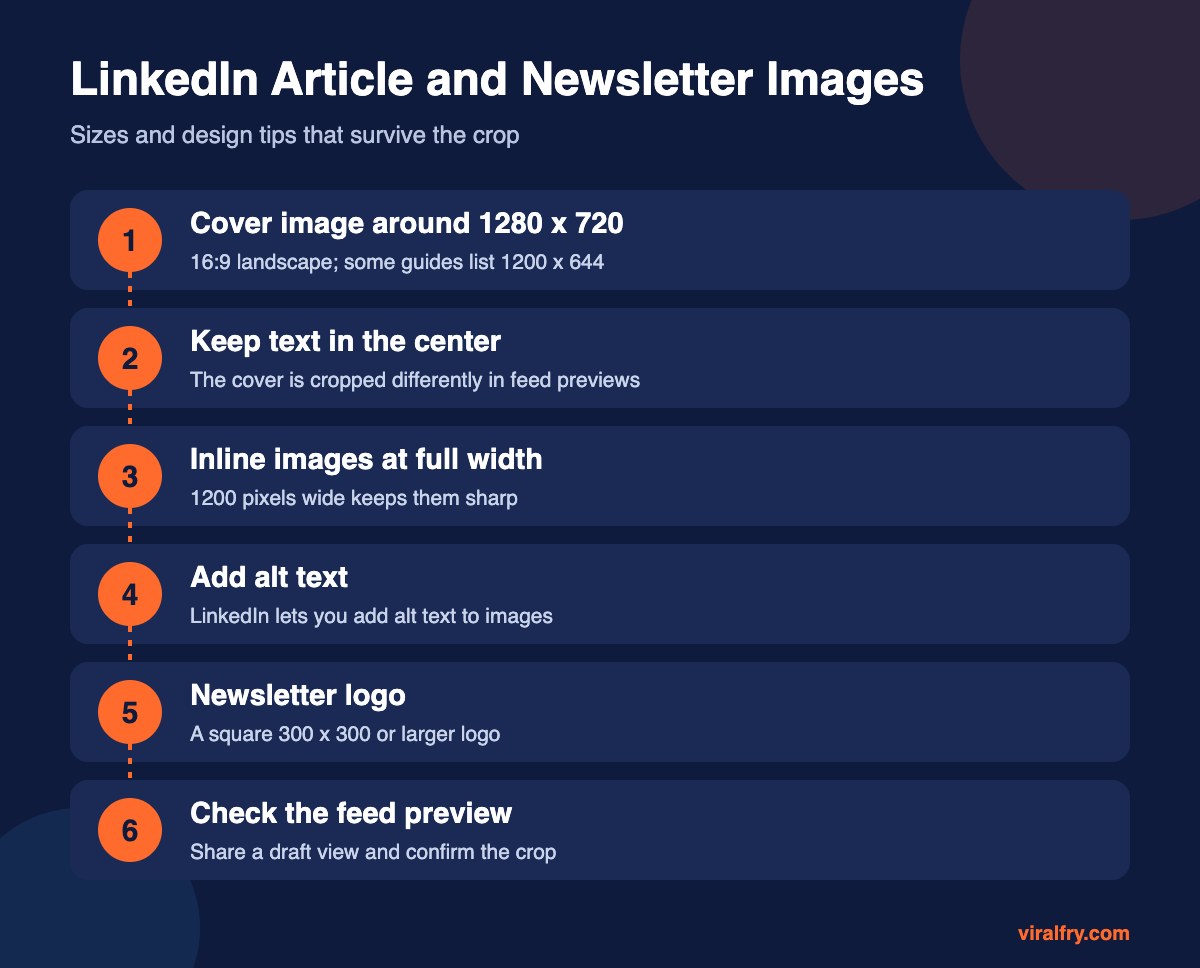
For LinkedIn articles and newsletters, use a cover image of about 1280 x 720 pixels (16:9), keeping text and faces in the center because LinkedIn crops the cover differently in the article view and in feed previews. Some guides list 1200 x 644, which is close to the same shape. Inline images inside the article look best at around 1200 pixels wide, and newsletter logos should be square.
LinkedIn doesn’t publish article image specs as clearly as it does for profiles, and the editor has changed a few times. The safest approach is a 16:9 image with generous margins.
What Are the LinkedIn Article Image Sizes?
| Image | Recommended size | Notes |
|---|---|---|
| Article cover | About 1280 x 720 (16:9) | Older guides list 1200 x 644; keep content centered |
| Newsletter cover | Same as article cover | Shown on the newsletter page and in shares |
| Inline images | 1200 pixels wide | Any reasonable height; landscape reads best |
| Newsletter logo | Square, 300 x 300 or larger | Shown small, so keep it simple |
| Feed preview of the article | Cropped from the cover | Check after publishing |
How Do You Design a LinkedIn Article Cover?
- Put the headline or key visual in the middle 60 percent
- Use large, short text; covers often appear small in the feed
- Avoid tiny details along the edges
- Use your brand colors consistently across articles so readers recognize them
Should You Use Images Inside LinkedIn Articles?
Yes. Break long text with charts, screenshots, or simple diagrams every few hundred words, and add alt text to each. Use real images rather than text pasted as a picture, so readers on any device can follow along.
For every other LinkedIn size, see our LinkedIn image size guide and the LinkedIn post size guide.
Key Takeaways
- Article and newsletter covers: about 1280 x 720 (16:9).
- Inline images: around 1200 pixels wide.
- Keep cover text centered to survive feed crops.
- Add alt text and preview the feed share after publishing.
Frequently Asked Questions
What size is a LinkedIn article cover image?
A 16:9 image around 1280 x 720 pixels works well. Some guides recommend 1200 x 644, which is a similar shape.
Why is my LinkedIn article image cropped?
LinkedIn crops covers differently in the article view and in feed previews. Keep important content centered with wide margins.
What size are images inside a LinkedIn article?
Inline images look best at around 1200 pixels wide.
What size is a LinkedIn newsletter logo?
Use a square image, around 300 x 300 pixels or larger.
Add as Preferred Source