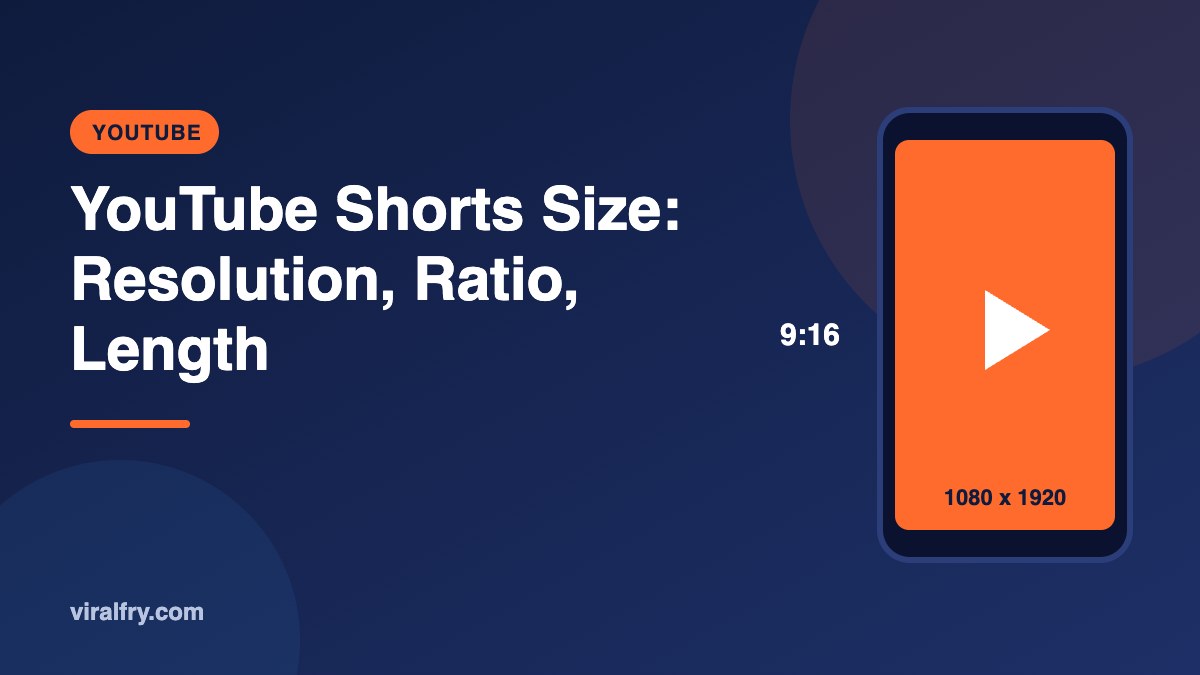
The recommended YouTube Shorts size is 1080 x 1920 pixels in a vertical 9:16 aspect ratio. Square (1:1) videos also count as Shorts. Since October 2024, Shorts can be up to 3 minutes long. Upload an MP4 file, keep text out of the bottom and right edges where YouTube’s buttons and captions sit, and choose a clear cover frame.
Shorts are one of the fastest ways for a channel to get discovered right now. Getting the format right is the easy part; it just has to be done before you film, not after.
What Are the YouTube Shorts Specs?
| Spec | Recommendation |
|---|---|
| Resolution | 1080 x 1920 (higher, such as 2160 x 3840, also works) |
| Aspect ratio | 9:16 vertical, or 1:1 square |
| Maximum length | 3 minutes |
| File format | MP4 (H.264 video, AAC audio) |
| Frame rate | 24, 30, or 60 fps |
| Cover | Choose a frame in the YouTube app; custom options vary by device |
One caveat: longer Shorts that include copyrighted content with an active claim may be blocked, so check any music you use. YouTube updates Shorts features often, so confirm in YouTube Help if something looks different.
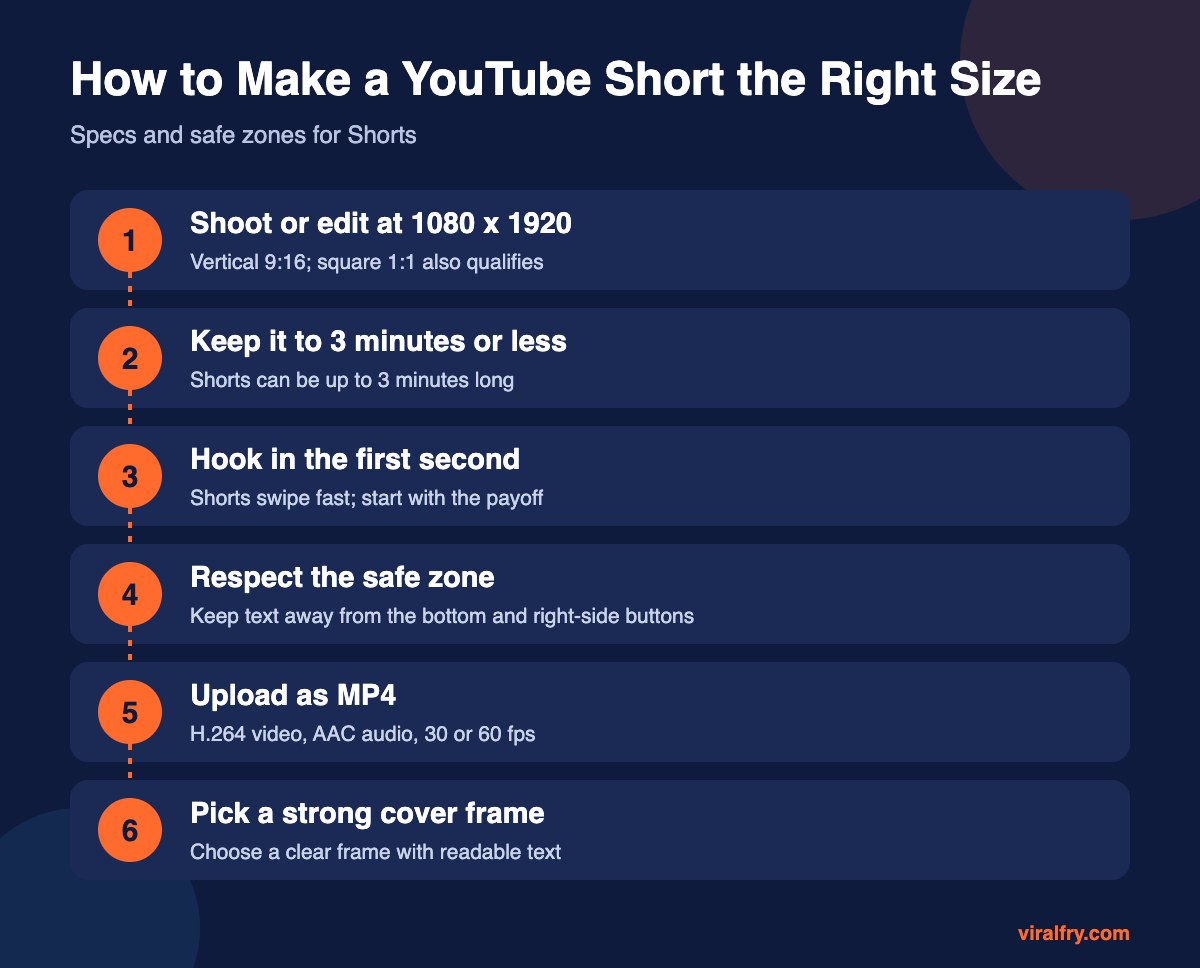
What Is the Safe Zone for YouTube Shorts?
- Bottom area: channel name, title, and subscribe button. Keep captions above it.
- Right side: like, dislike, comment, share, and remix buttons.
- Top: a small area for the search and menu icons.
- Safest area for text: the middle, slightly above center.
How Do You Make a Short Instead of a Regular Video?
Upload a vertical or square video of three minutes or less. YouTube classifies it as a Short automatically. Adding #Shorts in the title or description isn’t required, though some creators still use it.
What Makes a YouTube Short Perform Well?
- A hook in the first second, ideally showing the result first
- One idea per Short
- On-screen captions for silent viewing
- A loop-friendly ending that flows back to the start
- Consistent posting around a clear topic
The same vertical file usually works for Instagram Reels too; see our Instagram size guide for Reels safe zones.
Key Takeaways
- Shorts are 1080 x 1920 pixels at 9:16 (or 1:1 square).
- Maximum length is 3 minutes.
- Upload MP4 at 30 or 60 fps.
- Keep text out of the bottom and right-side button areas.
- Hook viewers in the first second.
Frequently Asked Questions
What is the size of a YouTube Short?
1080 x 1920 pixels with a 9:16 vertical aspect ratio. Square 1:1 videos also qualify.
How long can a YouTube Short be?
Up to 3 minutes.
Do I need #Shorts in the title?
No. YouTube identifies Shorts by their vertical or square format and length.
Can I upload a horizontal video as a Short?
No. Horizontal 16:9 videos are treated as regular videos. Reframe to vertical or square first.
Add as Preferred Source