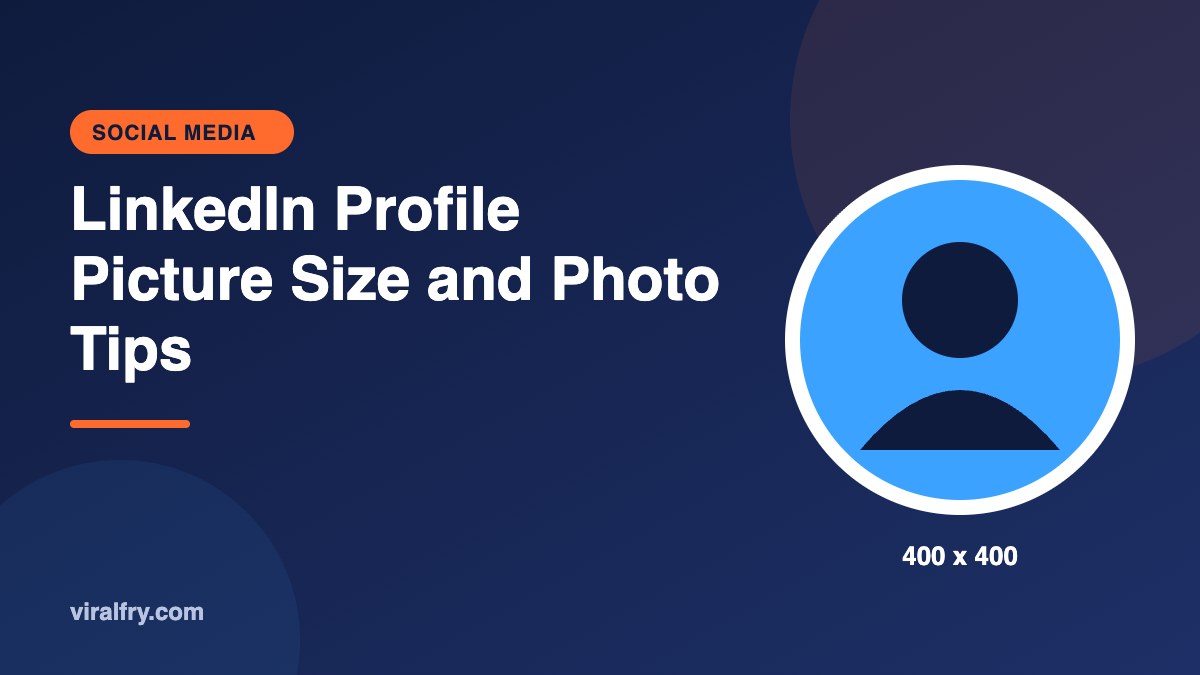
The recommended LinkedIn profile picture size is 400 x 400 pixels, uploaded as a square JPG or PNG. LinkedIn displays it as a circle, so keep your face centered with a little space around your head. Larger square images are accepted and stay sharper on high-resolution screens, but keep the file size modest (a few megabytes at most) so it uploads smoothly.
Your profile photo is the most viewed image you’ll ever put on LinkedIn. It shows up next to every post, comment, message, and search result. A sharp, friendly photo is a small effort with a long payoff.
What Are the LinkedIn Profile Photo Specs?
| Spec | Recommendation |
|---|---|
| Recommended size | 400 x 400 pixels |
| Shape | Square upload, displayed as a circle |
| File types | JPG or PNG |
| File size | Keep it to a few MB; third-party guides list limits between 3MB and 8MB |
| Background banner | 1584 x 396 pixels |
How Do You Crop a Photo for the LinkedIn Circle?
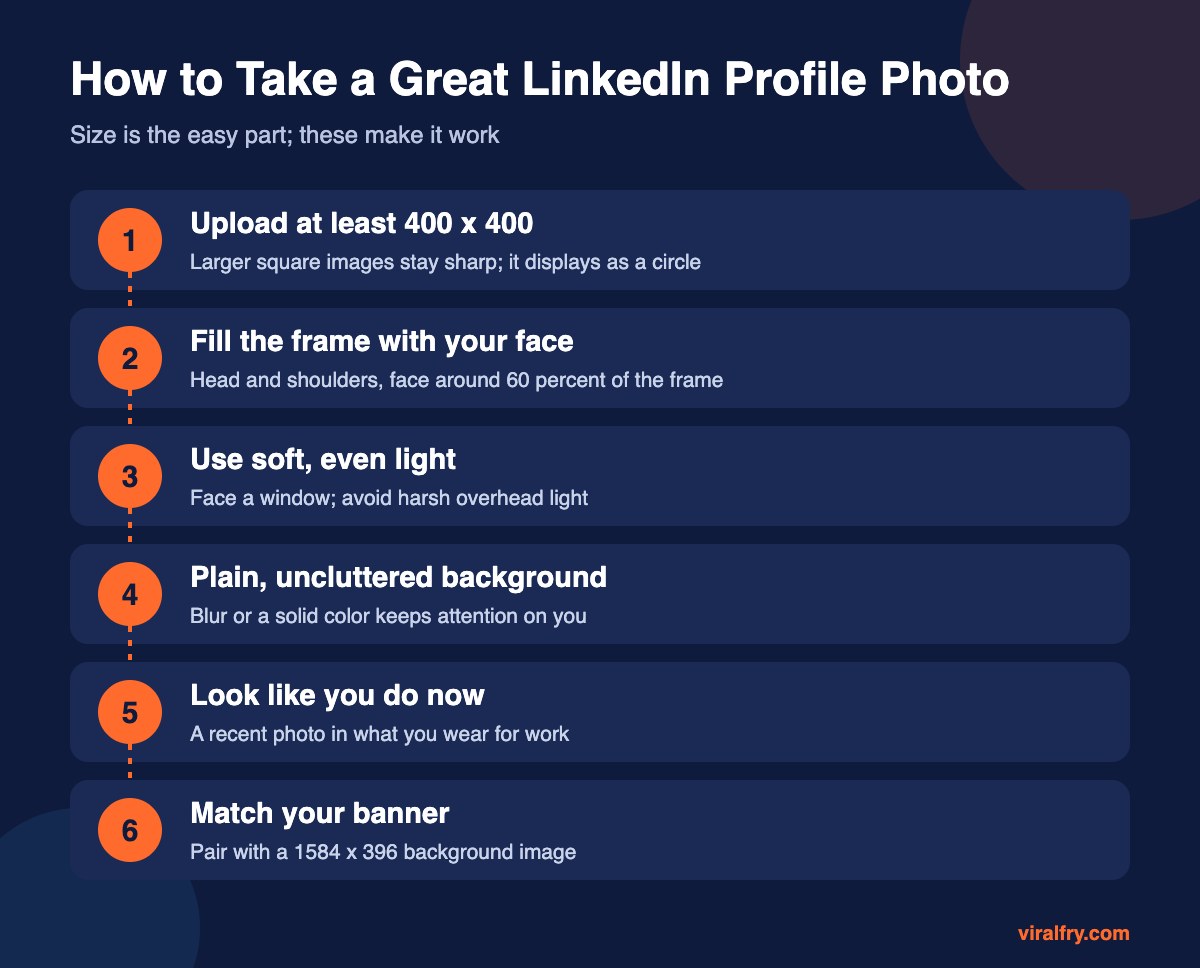
- Start from a square crop with your face in the center
- Leave a little space above your head so the circle doesn’t clip it
- Your face should take up roughly 60 percent of the frame
- Use LinkedIn’s built-in crop, zoom, and straighten tools to fine-tune
What Makes a Good LinkedIn Profile Picture?
- A recent photo that looks like you on a video call
- Natural light from the front
- A genuine smile and eye contact with the camera
- A simple background with good contrast
- No sunglasses, group photos, or logos instead of your face
You don’t need a studio. A phone in portrait mode, a window, and a plain wall will do the job.
Should You Use the LinkedIn Profile Frame?
LinkedIn offers frames like #OpenToWork and #Hiring. They’re useful signals, but they cover part of your photo, so make sure your face is still well centered. For the full list of LinkedIn dimensions, see our LinkedIn image size guide and the LinkedIn post size guide.
Key Takeaways
- Upload a square image of at least 400 x 400 pixels.
- It displays as a circle, so center your face.
- Use soft light, a plain background, and a recent photo.
- Pair it with a 1584 x 396 banner.
Frequently Asked Questions
What size should a LinkedIn profile picture be?
400 x 400 pixels is the recommended size. You can upload a larger square image for extra sharpness.
Why is my LinkedIn profile picture blurry?
The image is probably too small or was heavily compressed. Upload a larger, square, sharp photo.
Is the LinkedIn profile picture round or square?
You upload a square image, and LinkedIn displays it as a circle.
What is the LinkedIn company logo size?
Company page logos are also recommended at 400 x 400 pixels.
Add as Preferred Source