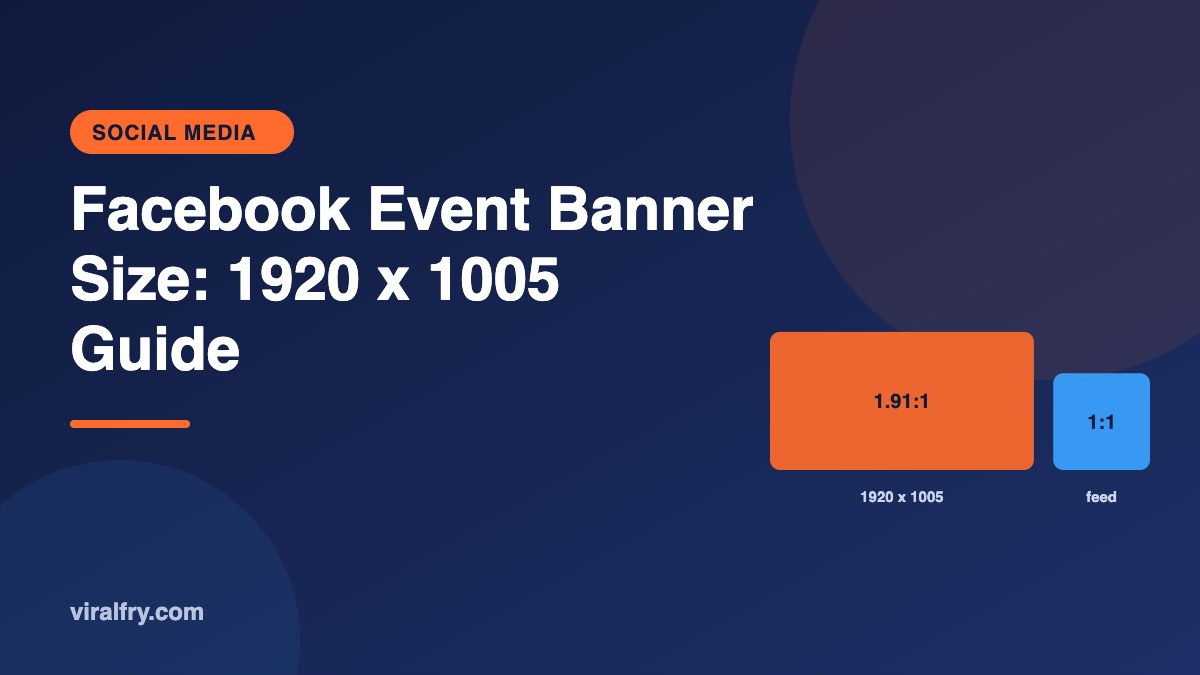
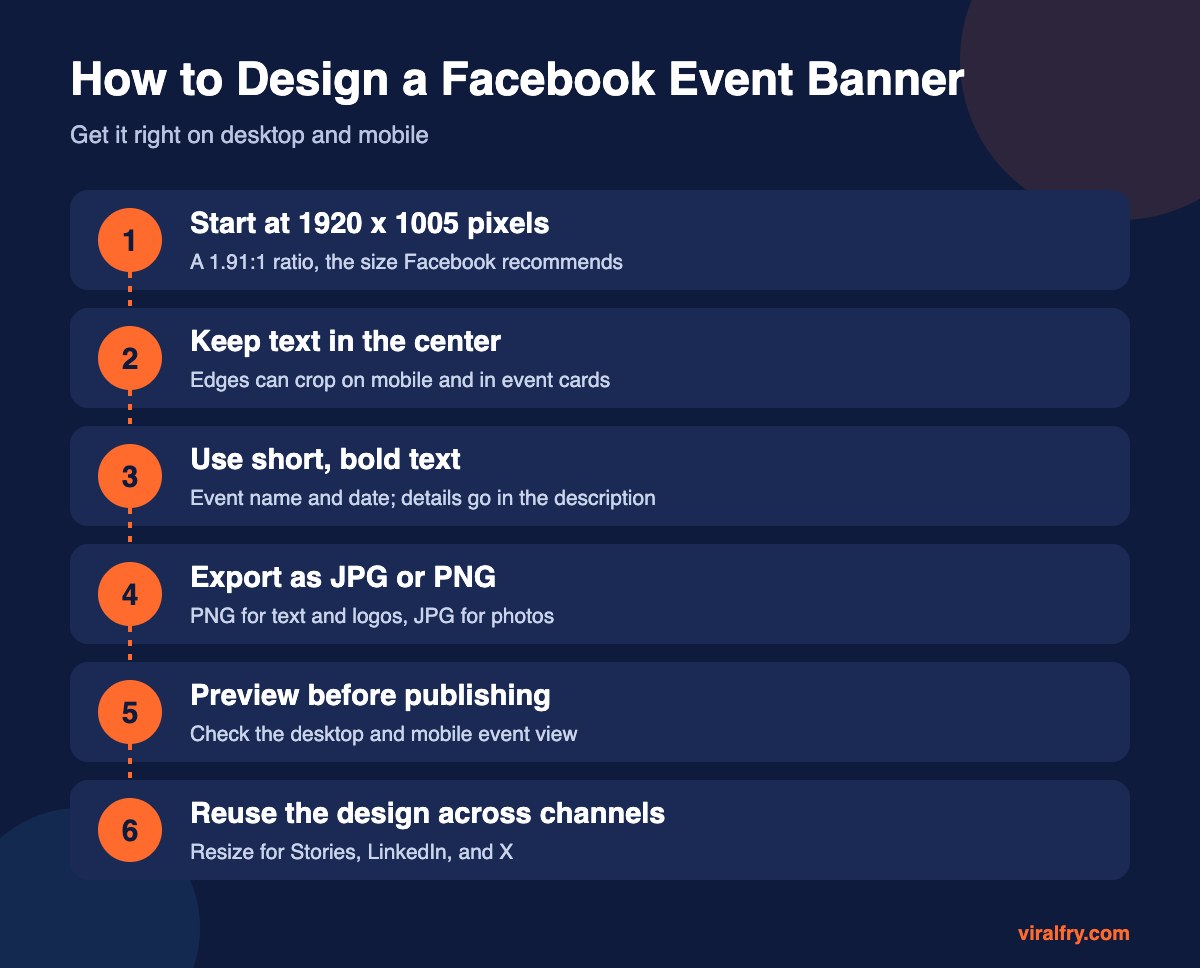
The recommended Facebook event banner size is 1920 x 1005 pixels, which is a 1.91:1 aspect ratio. Upload a JPG or PNG at that size, keep important text and logos near the center so nothing gets cropped on mobile or in event previews, and preview the event on both desktop and phone before you publish.
Event covers are one of the most often cropped images on Facebook, because the same image shows up in the event page, the events feed, invitations, and shares. Getting the size right saves a lot of awkward “why is half the date missing?” moments.
What Are the Facebook Event Cover Photo Specs?
| Spec | Recommendation |
|---|---|
| Size | 1920 x 1005 pixels |
| Aspect ratio | 1.91:1 |
| File type | JPG or PNG |
| Text placement | Centered, away from the edges |
| Minimum | Smaller images upscale and look blurry, so use the full size |
Social platforms tweak specs from time to time, so if Facebook’s uploader shows a different crop, follow the preview.
How Do You Keep Text From Getting Cropped?
- Keep the event name, date, and logo inside the middle 80 percent of the width
- Avoid text in the bottom corners, where overlays and buttons can sit
- Use large type; the banner often appears small in feeds
- Don’t put critical details only in the image; repeat them in the event description
Which Tools Can You Use to Make an Event Banner?
Canva and Adobe Express both have Facebook event cover templates at the correct size. If you design in Figma or Photoshop, set your canvas to 1920 x 1005 and add guides for a safe margin. For other channels, our guides cover LinkedIn image sizes, X (Twitter) image sizes, and Instagram post sizes.
What Makes a Facebook Event Banner Work?
- One clear message: what, when, and where
- High contrast between text and background
- Real photos of the venue, speakers, or product when possible
- Consistent branding with your page cover and posts
Need the specs for photos you post inside the event? See Facebook event photo size.
Key Takeaways
- Use 1920 x 1005 pixels at a 1.91:1 ratio.
- Keep text and logos centered.
- Export JPG for photos and PNG for text-heavy designs.
- Preview on desktop and mobile before publishing.
Frequently Asked Questions
What size is a Facebook event banner?
The recommended size is 1920 x 1005 pixels, a 1.91:1 aspect ratio.
Why is my Facebook event photo cropped?
Facebook crops event covers differently on mobile, in previews, and in the events feed. Use the 1.91:1 ratio and keep text near the center.
Is the Facebook event banner the same size as a page cover?
No. A Facebook Page cover is commonly sized at 851 x 315 pixels, while an event cover is 1920 x 1005 pixels.
What file format is best for a Facebook event cover?
PNG keeps text and logos crisp, and JPG works well for photo-heavy designs.
Add as Preferred Source