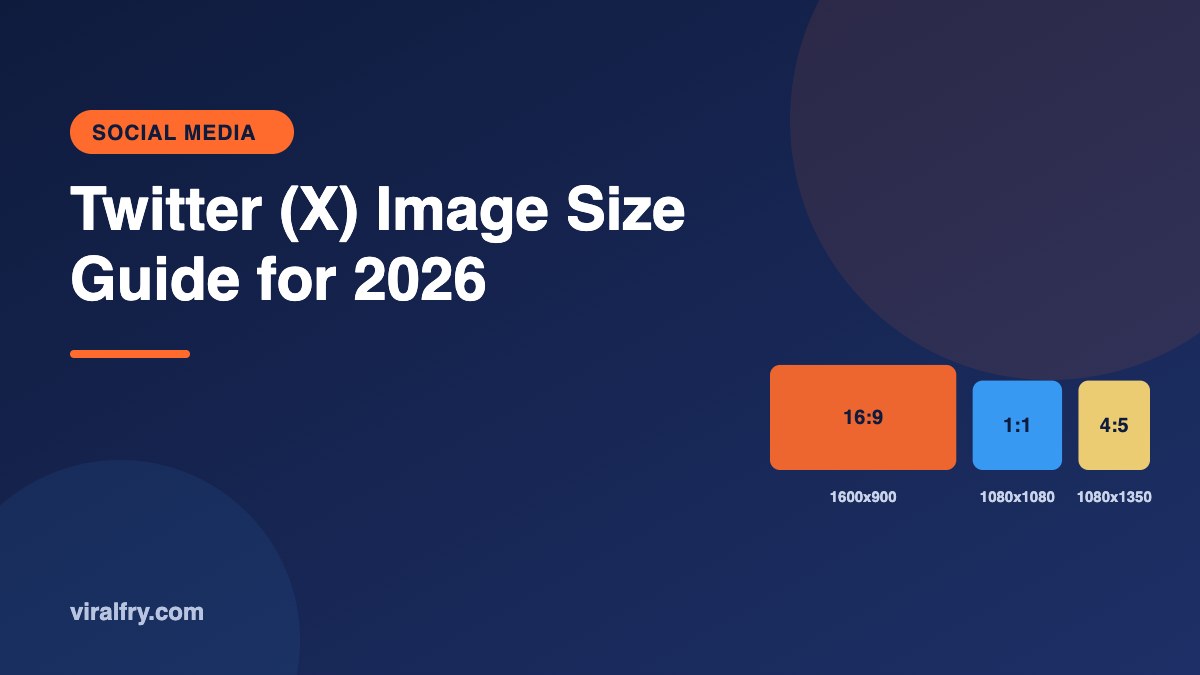
The best Twitter (X) image size for a single post is 1600 x 900 pixels (16:9), with 1080 x 1080 (1:1) and 1080 x 1350 (4:5) also displaying well. Use 1500 x 500 pixels for the header and 400 x 400 pixels for the profile photo. Photos are generally limited to 5MB on mobile (larger on web and for GIFs), and you can attach up to four images per post.
X shows full images in the feed more often than it used to, which means vertical and square images now get more screen space on phones. That’s a small change with a big effect on attention.
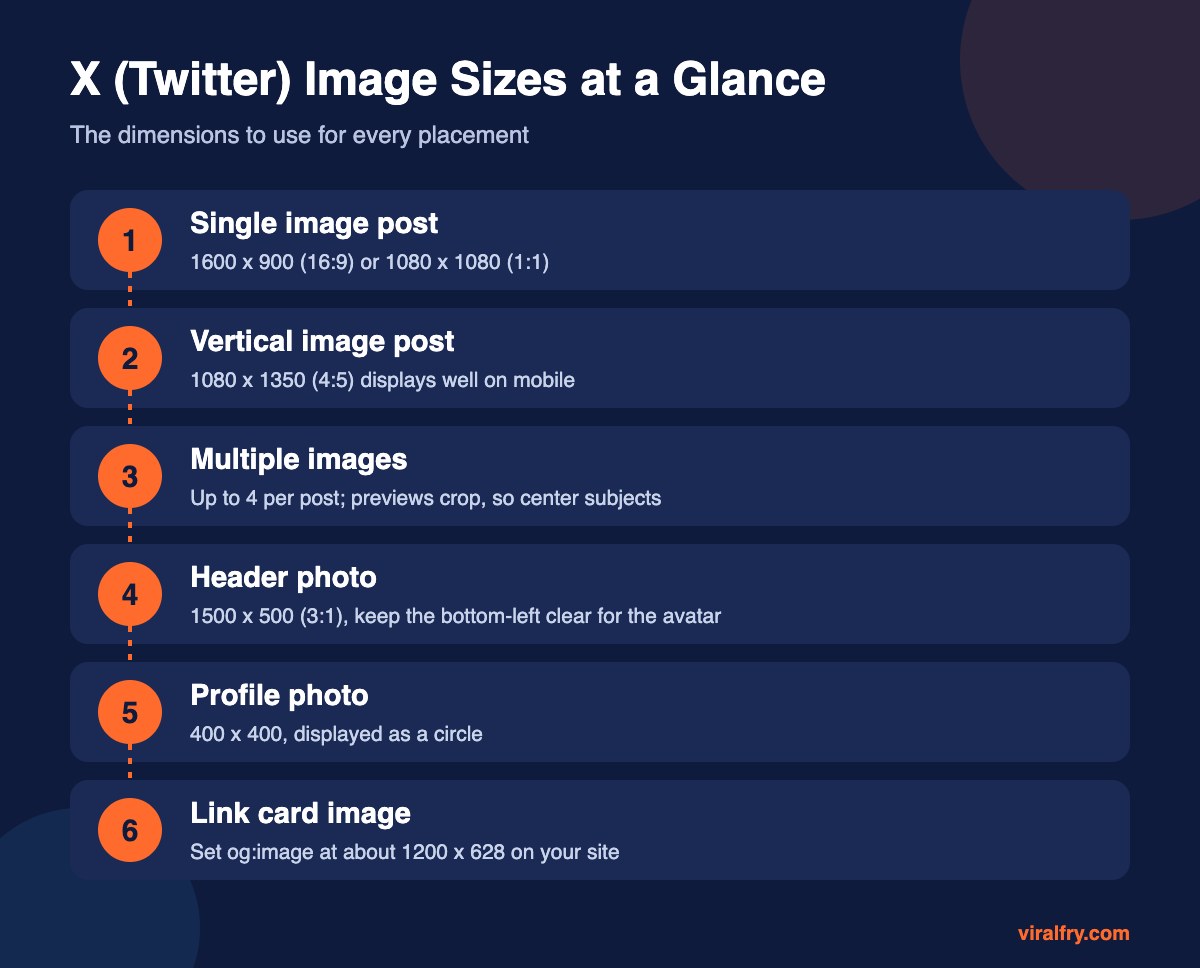
What Are the X Image Sizes for Every Placement?
| Placement | Recommended size | Aspect ratio |
|---|---|---|
| Single image (landscape) | 1600 x 900 | 16:9 |
| Single image (square) | 1080 x 1080 | 1:1 |
| Single image (vertical) | 1080 x 1350 | 4:5 |
| Header photo | 1500 x 500 | 3:1 |
| Profile photo | 400 x 400 | 1:1 (shown as a circle) |
| Link preview card | About 1200 x 628 via og:image | 1.91:1 |
Guides disagree slightly (some list 1280 x 720 for landscape), and X adjusts its display from time to time. 1600 x 900 is a safe, sharp choice.
How Do Multiple Images Display on X?
You can attach up to four images. With two to four images, X shows cropped previews in a grid, and the full image opens on tap. Keep faces and text near the center of each image so the preview still makes sense.
How Do You Design a Good X Header?
- Use 1500 x 500 pixels
- Keep the bottom-left area clear, where your profile photo overlaps
- Keep key text in the middle band; the top and bottom can crop on some screens
- Update it for launches and events
What File Types and Sizes Does X Accept?
- JPG, PNG, GIF, and WebP for images
- Photos up to 5MB on mobile; web uploads and GIFs allow larger files
- Use PNG for screenshots and text, JPG for photos
How Do You Control the Link Preview Image?
When you share a link, X pulls the image from the page’s Open Graph or Twitter Card tags. Set og:image (and optionally twitter:image) to an image of about 1200 x 628 on your site. Our guide on editing HTML for SEO shows where these tags go.
Need other platforms? See LinkedIn post sizes, Instagram post sizes, and the Facebook event banner size.
Key Takeaways
- Use 1600 x 900 for landscape posts, or 1080 x 1080 and 1080 x 1350 for square and vertical.
- Header: 1500 x 500. Profile photo: 400 x 400.
- Up to four images per post; center your subjects for grid previews.
- Set og:image on your site to control link previews.
Frequently Asked Questions
What is the best image size for Twitter (X) posts?
1600 x 900 pixels (16:9) is a reliable choice for landscape images. Square 1080 x 1080 and vertical 1080 x 1350 images also display well, especially on mobile.
What size is the X header image?
1500 x 500 pixels, a 3:1 aspect ratio.
What size should my X profile picture be?
400 x 400 pixels. It displays as a circle, so keep the subject centered.
How many images can I post on X?
Up to four images per post.
Add as Preferred Source