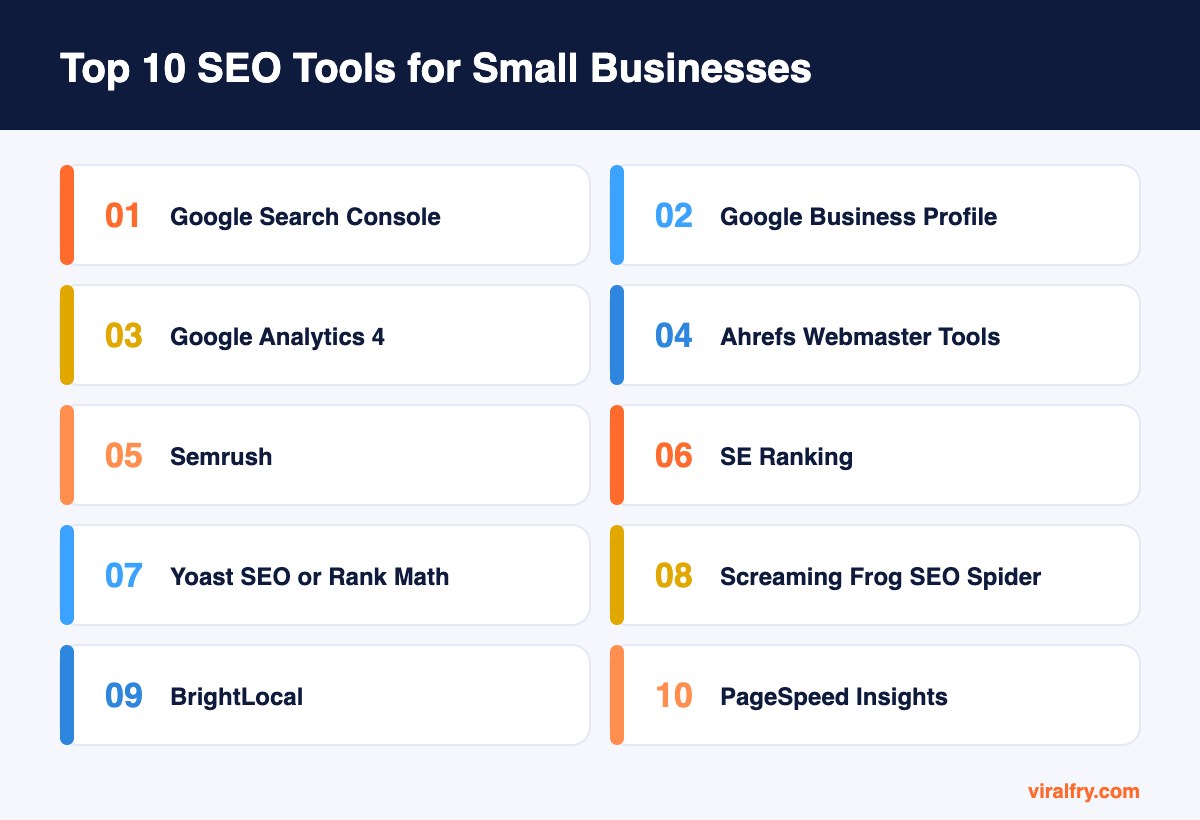
The best SEO tools for small businesses in 2027 are Google Search Console, Google Business Profile, and Google Analytics 4 (all free), plus Ahrefs Webmaster Tools, an SEO plugin like Yoast or Rank Math, Screaming Frog, and PageSpeed Insights. Add one paid suite, such as Semrush or SE Ranking, when you need competitor and keyword research, and BrightLocal if local search drives your sales. Most small businesses can do excellent SEO for little or no software cost.
We see the same pattern with small business owners all the time: three paid subscriptions, logins nobody remembers, and no one looking at Search Console. The tools below are the ones that actually get used. We have ordered them by how much value a typical small business gets from each.
How Did We Choose These SEO Tools?
We looked for tools that a business owner or a one-person marketing team can set up in an afternoon, that give clear next steps rather than vanity scores, and that offer a free plan or a sensible entry price. Every tool on this list is one we have used on real client sites.
What Are the Best SEO Tools for Small Businesses?
1. Google Search Console (free)
If you install one SEO tool, make it this one. Search Console is Google telling you, in its own words, which queries show your pages, how often people click, and what is stopping pages from being indexed. Nothing else gives you first-party Google data for free.
For a small business, the Performance report alone is a goldmine. Sort by impressions, find queries where you sit in positions 5 to 15, and you have a ready-made list of pages to improve this month.
- Best for: indexing, query data, technical alerts
- Watch: Pages report, Core Web Vitals, manual actions
2. Google Business Profile (free)
For any business that serves customers locally, your Business Profile often drives more calls than your website. It controls how you appear in the map pack and on Google Maps, so treat it as an SEO tool rather than a directory listing.
Keep categories accurate, add real photos every month, answer questions, and reply to every review. Those small habits compound into better local visibility.
3. Google Analytics 4 (free)
Search Console tells you what happens before the click; GA4 tells you what happens after it. Set up key events for calls, form fills, and purchases so you can see which organic pages actually bring revenue, not just visits.
The interface takes some getting used to. Start with the Landing page report filtered to organic search, and build from there.
4. Ahrefs Webmaster Tools (free)
Ahrefs gives verified site owners a free version of its Site Audit and Site Explorer for their own websites. You get a solid technical crawl and a view of who links to you, which is plenty for most small sites.
When you need competitor research and keyword data at scale, the paid Ahrefs plans are among the best in the industry, but many small businesses never need to upgrade.
5. Semrush
Semrush is the all-in-one option: keyword research, competitor analysis, rank tracking, site audits, local listings, and content tools under one login. If you only want to pay for one suite, it covers the most ground.
It can feel overwhelming at first. Small teams get the most value from three features: Keyword Magic Tool, Position Tracking, and Site Audit.
6. SE Ranking
SE Ranking offers much of what the big suites do (rank tracking, audits, keyword and competitor research) at a lower entry price. That makes it a favorite with freelancers and small businesses that want accurate daily rankings without enterprise costs.
Its local rank tracking and white label reports are also handy if you work with an agency or consultant.
7. Yoast SEO or Rank Math (WordPress)
If your site runs on WordPress, an SEO plugin handles the basics that are easy to get wrong: title tags, meta descriptions, canonicals, XML sitemaps, and schema markup. Yoast and Rank Math both do this well, and both have capable free versions.
Pick one, not both. Running two SEO plugins usually creates duplicate tags. Compare them in our guide to the best SEO plugins for WordPress.
8. Screaming Frog SEO Spider
Screaming Frog crawls your site the way a search engine does and lists every broken link, missing title, duplicate description, redirect chain, and noindex tag. The free version crawls up to 500 URLs, which covers most small business websites completely.
Run it once a quarter and after every redesign. It catches the quiet problems that never show up until rankings drop.
9. BrightLocal
BrightLocal is built for local SEO. It tracks your rankings in the map pack for specific neighborhoods, audits your citations across directories, and helps you request and monitor reviews.
If you have one location, the free Google tools may be enough. Once you manage several locations or serve clients across a city, a dedicated local tool saves hours.
10. PageSpeed Insights (free)
Slow pages lose visitors before they read a word. PageSpeed Insights shows real-user Core Web Vitals data from Chrome users when it is available, plus a lab test with specific fixes.
Focus on the mobile score and the field data at the top, not the single number. Compressing images and removing unused plugins fixes a surprising share of small business speed problems.
How Do These SEO Tools Compare?
| Tool | Cost | Main job |
|---|---|---|
| Google Search Console | Free | Google search data and indexing |
| Google Business Profile | Free | Local visibility and reviews |
| Google Analytics 4 | Free | Traffic and conversions |
| Ahrefs Webmaster Tools | Free for your own site | Audits and backlinks |
| Semrush | Paid | All-in-one research and tracking |
| SE Ranking | Paid, lower entry price | Rank tracking and audits |
| Yoast or Rank Math | Free and paid | On-page SEO for WordPress |
| Screaming Frog | Free up to 500 URLs | Technical crawling |
| BrightLocal | Paid | Local SEO tracking and citations |
| PageSpeed Insights | Free | Speed and Core Web Vitals |
Which SEO Tools Should a Small Business Buy First?
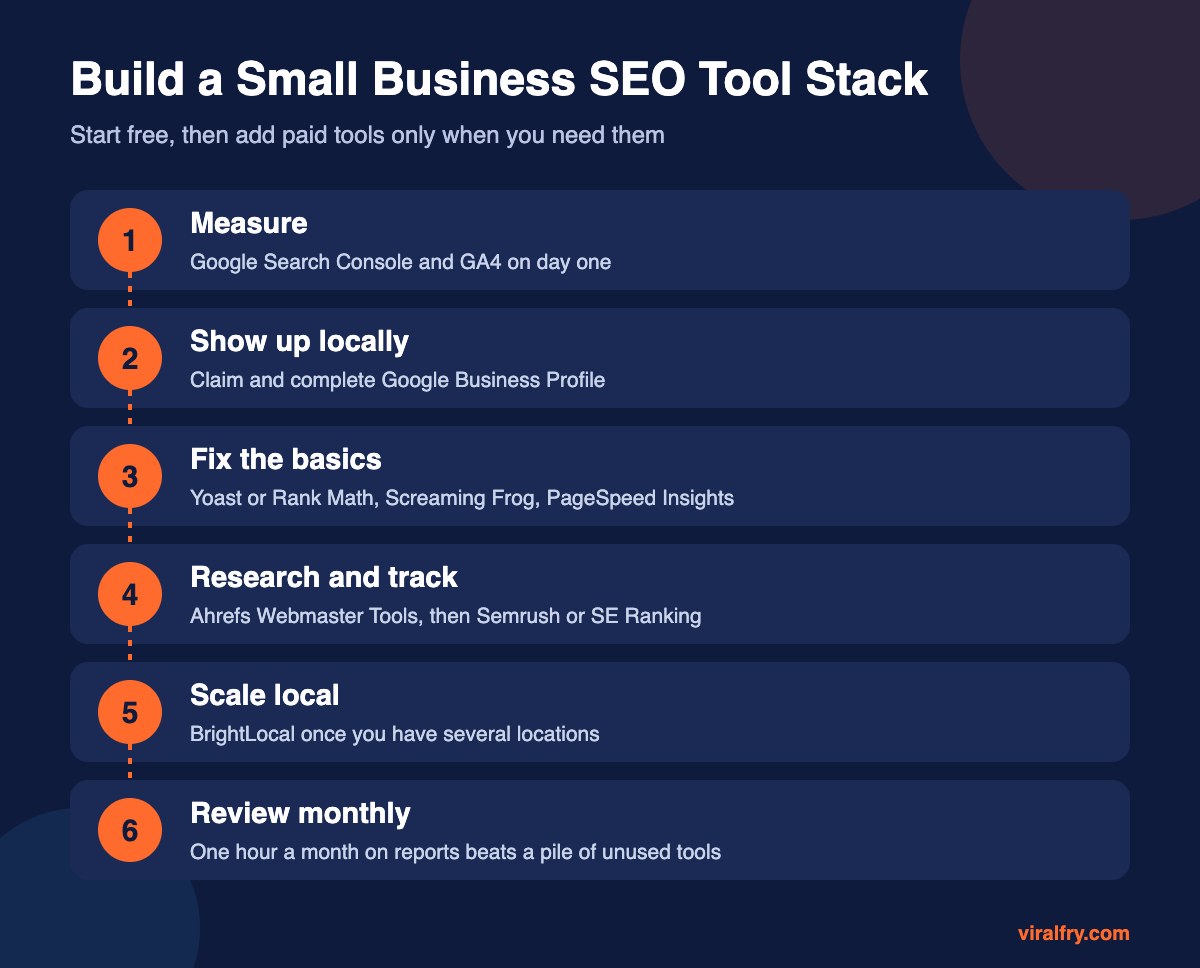
None, at first. Set up the free Google tools, install an SEO plugin, and run a Screaming Frog crawl. Fix what you find. When you are publishing content regularly and want to know which keywords competitors win, add one paid suite. Pick SE Ranking if budget is tight and Semrush or Ahrefs if you want the deepest data. For more free options, see our list of the best free SEO tools.
Do Small Businesses Need Tools for AI Search?
Not a separate tool yet. Visibility in Google AI Overviews and ChatGPT still depends on the same foundations: pages that are indexed, clear answers, accurate business information, and good reviews. Check your key questions manually in AI tools each month. Our guide to generative engine optimization explains what to focus on.
Key Takeaways
- Start with the free Google tools: Search Console, Business Profile, and GA4.
- Add an SEO plugin, Screaming Frog, and PageSpeed Insights to fix technical basics.
- Buy one paid suite only when you need competitor and keyword research.
- Use BrightLocal if you rely on local customers across several areas.
- The best tool is the one you check every month.
Frequently Asked Questions
What is the best free SEO tool for a small business?
Google Search Console is the most valuable free tool because it shows real Google data on the queries, clicks, and indexing problems for your own site.
Do small businesses need paid SEO tools?
Not at the start. Free tools cover measurement, local visibility, and technical checks. Paid suites become worth it when you need competitor analysis, keyword research at scale, or daily rank tracking.
Is Semrush or Ahrefs better for small businesses?
Both are excellent. Semrush covers more marketing tasks in one place, while Ahrefs is known for its backlink and keyword data. SE Ranking is a lower-cost alternative with similar core features.
How much should a small business spend on SEO tools?
Many small businesses spend nothing on tools for the first months. When you add a paid suite, choose one tool rather than several overlapping subscriptions.
Add as Preferred Source