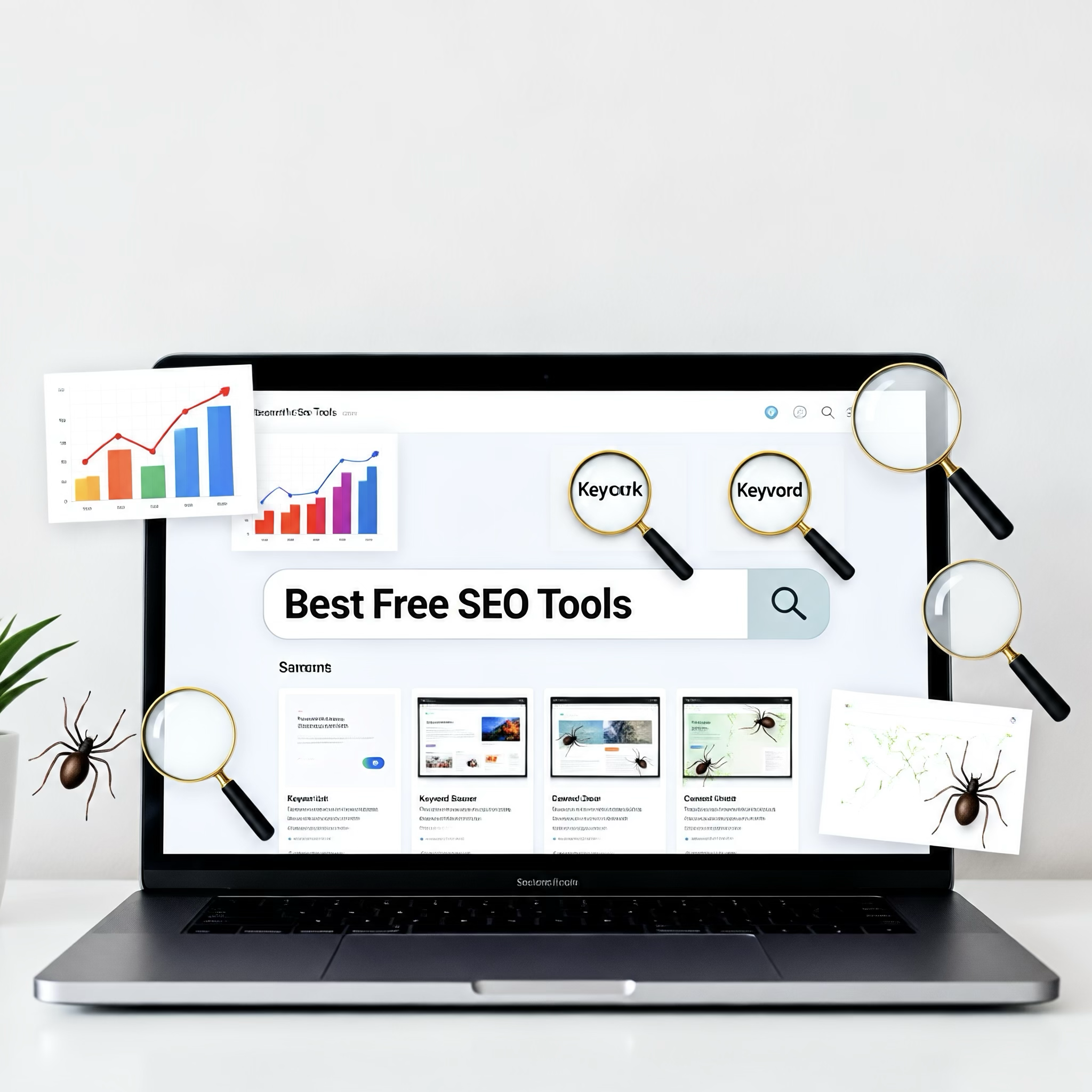
The short answer: the best free SEO tools are Google Search Console, Google Analytics 4, Google Keyword Planner, Bing Webmaster Tools, PageSpeed Insights, and the free tiers of Ahrefs Webmaster Tools, Screaming Frog, and Semrush. No single one covers everything. Start with Google Search Console, because it shows how your site actually performs in Google Search, then add one tool for each job you need done: keyword research, technical checks, backlinks, or speed.
This guide explains what each tool is for, where its free version stops, and how to combine a few of them into a workable setup without paying for software.
How these tools were chosen
Free tools vary a lot in value. The picks below were judged on four criteria:
- Data source: does the tool use first-party data from a search engine or your own site, or estimates?
- Usefulness without paying: is the free version a real working tool, or a short trial?
- Clarity of purpose: does it do one job well?
- Learning curve: can a non-specialist act on the results?
Free plans change often, so check current limits on each vendor’s site before relying on them [VERIFY].
Quick comparison
| Tool | Best for | Data type | Main free limitation |
|---|---|---|---|
| Google Search Console | Search performance, indexing, errors | First-party | Only for sites you verify as owner |
| Google Analytics 4 | On-site behavior and conversions | First-party | Requires setup; interface takes learning |
| Google Keyword Planner | Keyword ideas and volume ranges | Google estimates | Built for advertisers; ranges can be broad |
| Bing Webmaster Tools | Bing performance, site scans | First-party | Smaller audience than Google |
| PageSpeed Insights | Page speed and Core Web Vitals | Lab and field data | One URL at a time |
| Ahrefs Webmaster Tools | Backlinks and site audits for your own site | Third-party crawl | Verified sites only [VERIFY] |
| Screaming Frog (free version) | Technical crawling | Crawl of your site | Crawl cap on the free version [VERIFY] |
| Semrush (free account) | Limited keyword and audit data | Third-party estimates | Tight daily or project limits [VERIFY] |
Tools from search engines and Google
Google Search Console
Search Console is a free service from Google that reports how your site appears in Google Search. It shows the queries that brought impressions and clicks, the pages that earn them, indexing status, mobile usability issues, and manual actions. Because the data comes from Google itself, it is the most reliable starting point for any site owner. You need to verify ownership of the site first.
Use it to find pages that get impressions but few clicks (often a title or description problem) and pages Google has found but not indexed.
Google Analytics 4
Google Analytics 4 measures what visitors do after they arrive: which pages they view, where they came from, and which actions count as conversions. It does not tell you rankings. Its value for search work is connecting organic traffic to outcomes, so you can see whether visits lead to sign-ups, sales, or enquiries rather than just page views.
Google Keyword Planner
Keyword Planner sits inside Google Ads and offers keyword ideas and search volume information. It generally requires a Google Ads account, though you do not have to run paid campaigns to use it. Treat the volumes as directional: advertisers are its intended audience, and without active spend the figures may be shown as ranges.
PageSpeed Insights
PageSpeed Insights analyzes a URL and reports performance for mobile and desktop, including Core Web Vitals, the set of user-experience metrics Google uses to describe loading, interactivity, and visual stability. It also lists specific fixes. Where enough real-user data exists, it shows field data alongside lab results; when the two disagree, the field data better reflects what visitors experience.
Bing Webmaster Tools
Bing Webmaster Tools gives similar reporting to Search Console for Bing, including site scans and keyword data. If you already use Search Console, you can typically import your sites rather than starting over [VERIFY]. Bing’s share of search is smaller than Google’s, but the tool is free and adds a second view of crawl and indexing problems.
Free tools from SEO software vendors
Ahrefs Webmaster Tools
Ahrefs offers a free product for sites you own and verify. It combines a site audit with backlink and organic keyword data for your own domain. It does not offer the open competitor research of the paid plans, so use it to understand your own site’s links and technical issues.
Screaming Frog SEO Spider (free version)
Screaming Frog is a desktop crawler. It scans your site the way a search engine bot would and lists broken links, redirect chains, missing titles and meta descriptions, duplicate content signals, and more. The free version limits how many URLs it crawls, which is usually enough for a small site and a useful sample for a larger one.
Semrush free account
Semrush provides a free account with limited access to its keyword research and site audit features. It is worth trying for competitive context, but daily query caps mean it works better for spot checks than for sustained research.
Which free tools to combine
Your goal decides the stack. A few common setups:
- A new small site: Search Console, Analytics 4, and PageSpeed Insights. These cover visibility, behavior, and speed with first-party data.
- A content site planning articles: Add Keyword Planner for topic ideas, and use Search Console queries to see which topics already earn impressions.
- A site with technical problems: Add Screaming Frog and Ahrefs Webmaster Tools to find broken links, redirect issues, and weak internal linking.
- A business wanting to see beyond Google: Add Bing Webmaster Tools.
If you also want help turning search visibility into wider audience growth, a platform such as ViralFry may be worth looking at alongside these tools; check what it offers on its own site, since this guide does not evaluate it.
What free tools cannot do
Being honest about limits helps you decide when to pay.
- Keyword numbers are estimates. Only your own Search Console data reflects real impressions for your site.
- Free tiers restrict scale. Crawl caps, query limits, and verified-site-only access constrain larger projects or competitor analysis.
- Tools find problems; they do not set priorities. A crawler may list hundreds of warnings, and only a few will matter for your goals.
- Data is rarely complete. Backlink indexes differ between vendors, so two tools will report different link counts for the same site.
Paid plans become worth considering when you need regular competitor tracking, large-scale crawling, or rank tracking across many keywords.
A simple workflow using only free tools
- Verify your site in Search Console and Bing Webmaster Tools.
- Install Analytics 4 and define at least one conversion.
- Run your key pages through PageSpeed Insights and fix the highest-impact items.
- Crawl the site with Screaming Frog and repair broken links and missing titles.
- Review Search Console queries for pages with high impressions and low click-through, and improve their titles and descriptions.
- Use Keyword Planner and your own query data to choose the next topics to publish.
- Recheck monthly. Search Console reports lag, so judge changes over weeks, not days.
FAQs
Is Google Search Console enough on its own?
It is the best single starting point, but it does not crawl your site for technical faults or show competitor data. Pair it with a crawler and an analytics tool.
Are free SEO tools accurate?
First-party tools such as Search Console report real data about your own site. Third-party tools estimate traffic and keyword volume, so use them for comparison and direction, not exact figures.
Do I need a paid tool to rank?
No tool ranks a site by itself. Rankings depend on content quality, relevance, technical health, and links. Paid tools mainly save time and add scale.
Conclusion
For most site owners, the best free SEO tools are a small core: Google Search Console for performance data, Analytics 4 for behavior, PageSpeed Insights for speed, and one crawler for technical checks. Add Keyword Planner or Ahrefs Webmaster Tools when you need research or link data. Begin by verifying your site in Search Console this week, and let what it shows guide which other tool you add next.
Add as Preferred Source