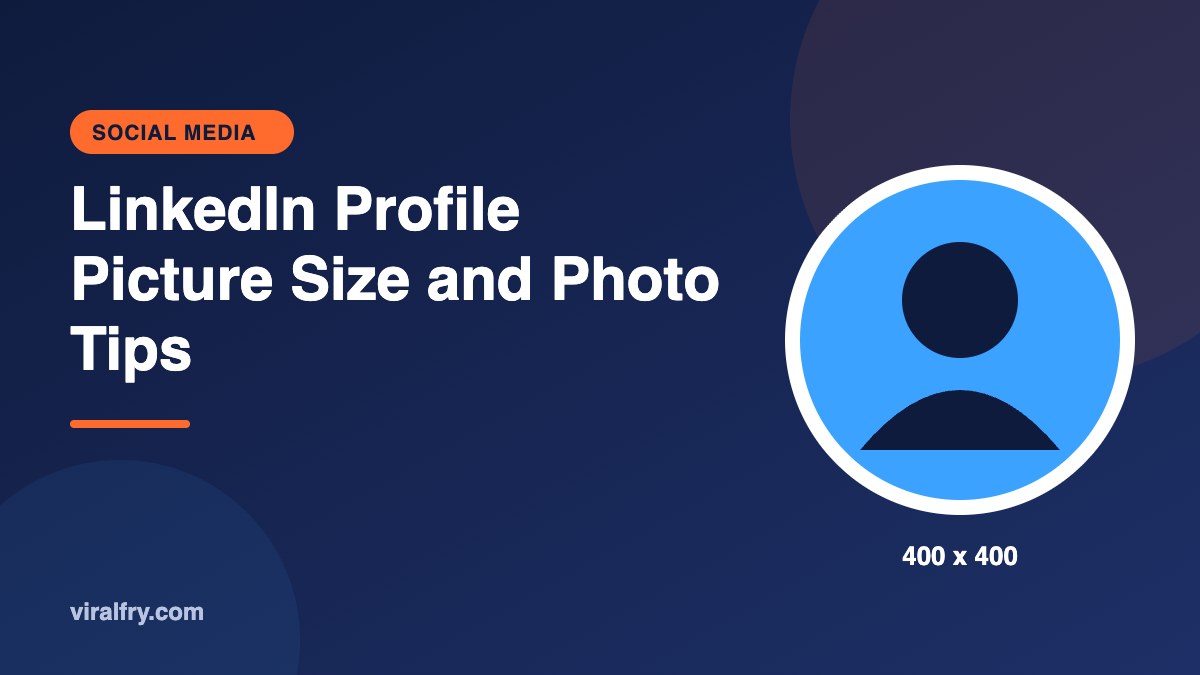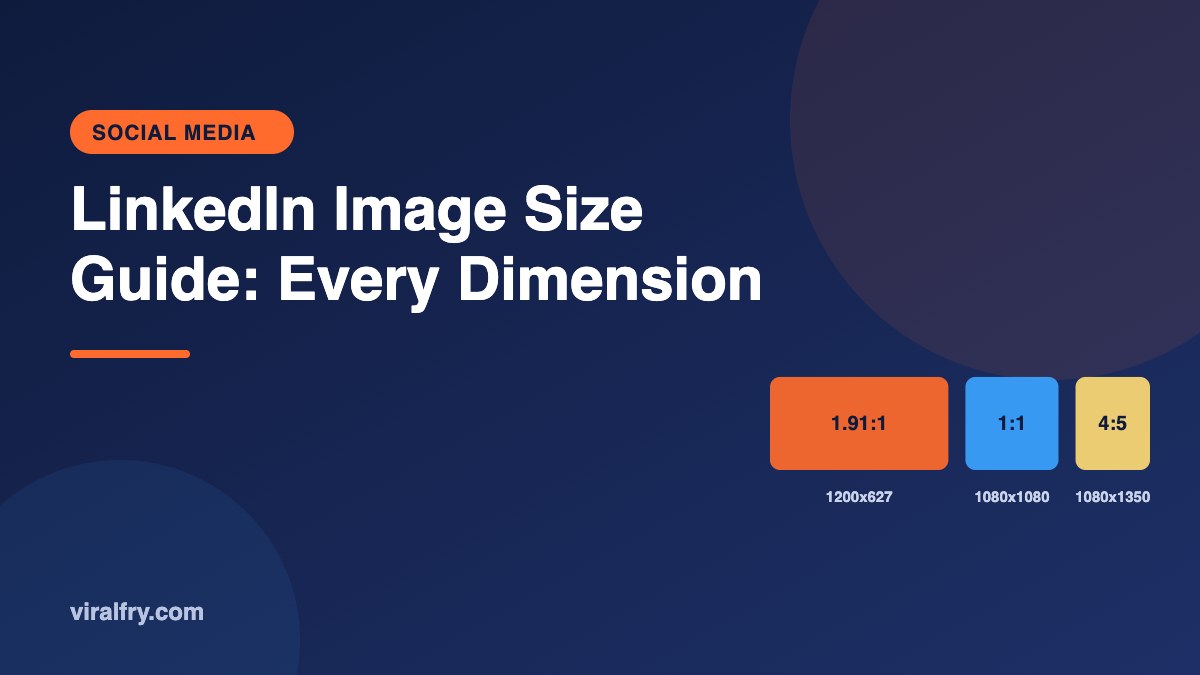
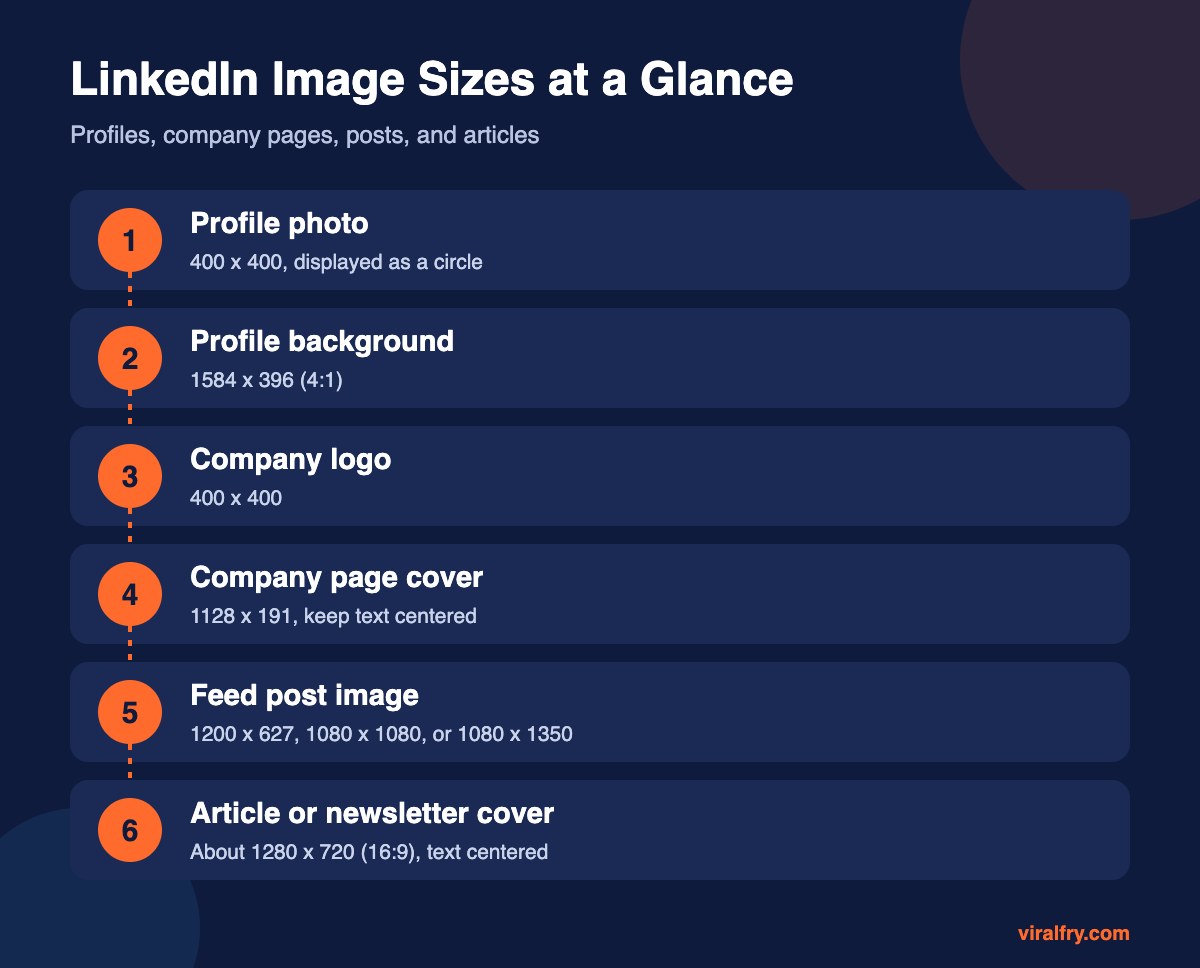
The key LinkedIn image sizes are: profile photo 400 x 400 pixels, profile background 1584 x 396, company logo 400 x 400, company page cover 1128 x 191, and feed post images at 1200 x 627 (landscape), 1080 x 1080 (square), or 1080 x 1350 (portrait). For articles and newsletters, a 16:9 cover around 1280 x 720 works well. Use JPG or PNG and keep important text away from the edges.
This page covers every LinkedIn image in one place. If you only need post dimensions and formats, our LinkedIn post size guide goes deeper on posts, carousels, and video.
What Are All the LinkedIn Image Sizes?
| Image | Recommended size | Notes |
|---|---|---|
| Personal profile photo | 400 x 400 | Shown as a circle; larger uploads are fine |
| Personal background banner | 1584 x 396 | 4:1 ratio; profile photo overlaps bottom-left |
| Company page logo | 400 x 400 | Square, simple, readable when small |
| Company page cover | 1128 x 191 | Some guides list 1512 x 256; keep text centered so either crop works |
| Feed post (landscape) | 1200 x 627 | 1.91:1, also the link preview size |
| Feed post (square) | 1080 x 1080 or 1200 x 1200 | 1:1 |
| Feed post (portrait) | 1080 x 1350 | 4:5, takes up the most mobile screen space |
| Article or newsletter cover | About 1280 x 720 | 16:9; keep text in the middle |
LinkedIn doesn’t publish every spec clearly, and third-party guides disagree on a few (especially the company cover). When in doubt, upload at a larger size with the same ratio and check the crop preview.
Which LinkedIn Post Image Size Gets the Most Attention?
Portrait images at 1080 x 1350 fill more of the mobile feed, which is where most LinkedIn browsing happens. Square images are the safe all-rounder. Landscape images match link previews but look small on phones.
How Do You Design a LinkedIn Profile Banner?
- Use 1584 x 396 pixels
- Keep the left third clear at the bottom, where your photo sits
- Add a short value statement, not a list of services
- Check it on mobile, where it crops more
For profile photos specifically, see LinkedIn profile picture size. For article covers, see LinkedIn article image size.
What File Types Does LinkedIn Accept?
- JPG and PNG for most images; GIF for posts
- Profile and banner images accept larger files (several MB), but smaller files load faster
- Use PNG for text-heavy graphics and JPG for photos
Key Takeaways
- Profile photo 400 x 400; banner 1584 x 396.
- Company logo 400 x 400; company cover 1128 x 191.
- Posts: 1200 x 627, 1080 x 1080, or 1080 x 1350 (best on mobile).
- Article covers around 1280 x 720, text centered.
- Check crop previews, since specs vary between sources.
Frequently Asked Questions
What is the best image size for LinkedIn posts?
1080 x 1350 pixels (portrait) gets the most space on mobile. 1080 x 1080 (square) and 1200 x 627 (landscape) also work well.
What size is the LinkedIn banner?
The personal profile background is 1584 x 396 pixels. The company page cover is commonly listed as 1128 x 191 pixels.
What size should a LinkedIn company logo be?
400 x 400 pixels, square.
Why does my LinkedIn image look blurry?
It is usually too small or heavily compressed. Upload at the recommended size or larger with the same aspect ratio.
Add as Preferred Source