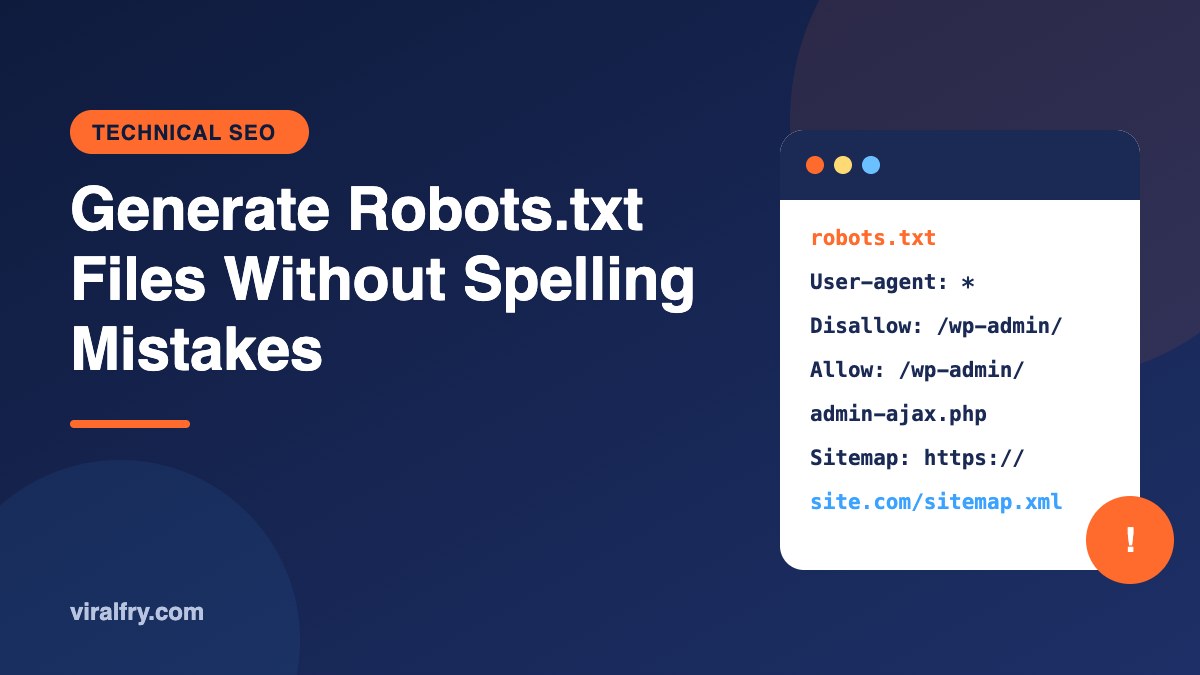
To generate a robots.txt file, decide which sections crawlers should skip, write the rules in a plain text file (or use a generator), save it as robots.txt in lowercase, upload it to the root of your domain, and test it in Google Search Console. Most robots.txt problems come from small spelling and syntax mistakes, such as a misspelled directive, a wrong file name, or a stray slash that blocks the whole site.
If you landed here searching for “generate robots.txt files spellmistake,” you’re in the right place. This guide focuses on exactly that: building the file correctly and catching the tiny typos that quietly cost rankings.
What Is a Robots.txt File?
A robots.txt file is a short text file that tells search engine crawlers which parts of your site they may or may not crawl. It follows the Robots Exclusion Protocol, which was formalized as an internet standard (RFC 9309) in 2022. Two things people often get wrong:
- It controls crawling, not indexing. A blocked URL can still appear in results if other sites link to it. Use a
noindexmeta tag to keep a page out of the index, and don’t block that page in robots.txt, or Google will never see the tag. - It’s public and voluntary. Anyone can read it, and bad bots can ignore it, so never use it to hide private content.
What Does a Correct Robots.txt File Look Like?
Here’s a clean, safe starting point for a WordPress site:
User-agent: *
Disallow: /wp-admin/
Allow: /wp-admin/admin-ajax.php
Disallow: /?s=
Disallow: /search/

Sitemap: https://www.example.com/sitemap_index.xml
And one for an ecommerce store that wants to stop crawlers wasting time on cart and filter URLs:
User-agent: *
Disallow: /cart/
Disallow: /checkout/
Disallow: /my-account/
Disallow: /*?orderby=
Disallow: /*?filter_

Sitemap: https://www.example.com/sitemap.xml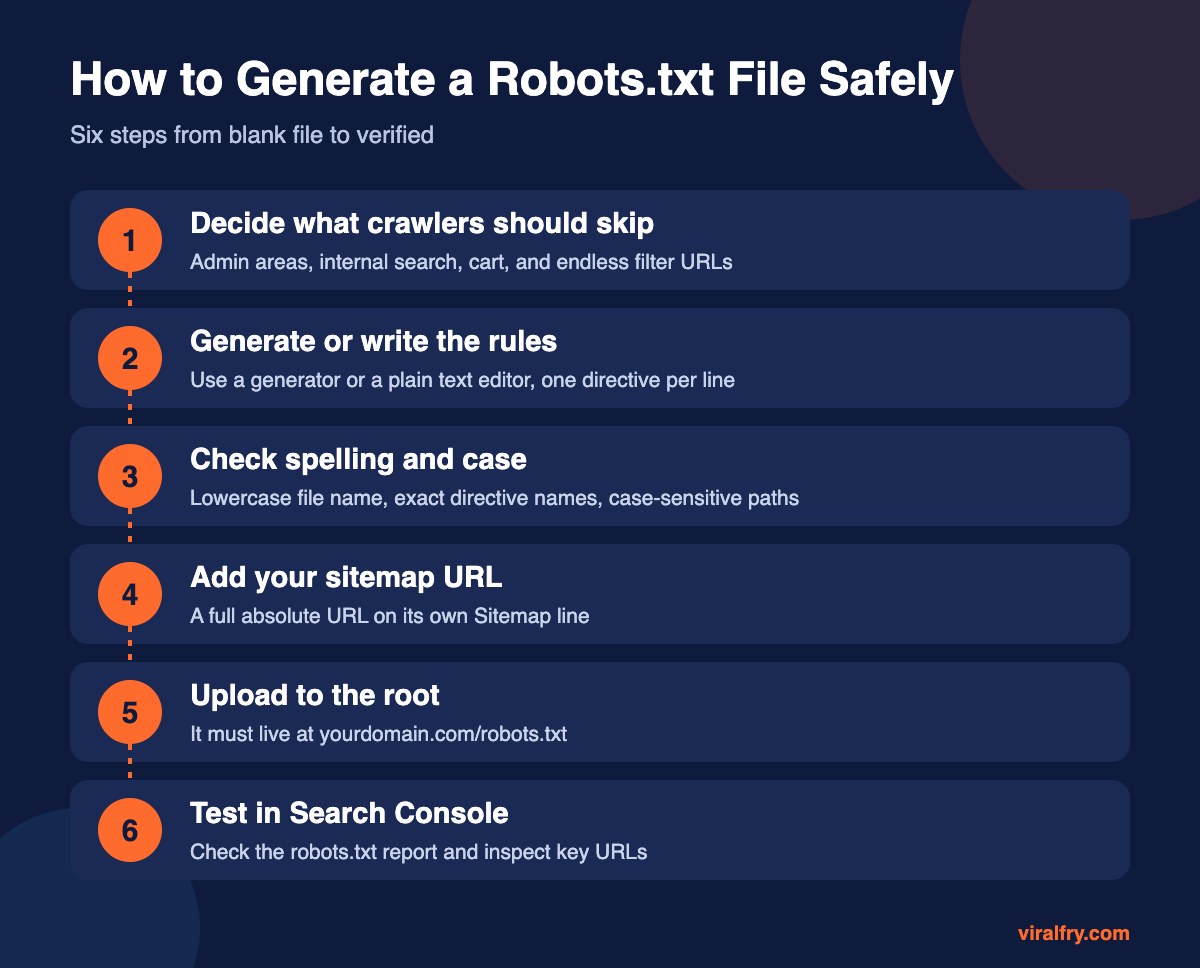
What Spelling Mistakes Break a Robots.txt File?
These are the errors we see most often in technical audits. Each one looks harmless and can cause real damage.
| Mistake | Example | What happens |
|---|---|---|
| Wrong file name | Robots.txt, robot.txt, robots.TXT | Crawlers look only for lowercase robots.txt, so your rules are ignored |
| Misspelled directive | Dissallow, Disalow, User agent | Google skips lines it cannot understand |
| Blocking everything by accident | Disallow: / | The whole site is blocked from crawling |
| Wrong path case | Disallow: /Blog/ when the URL is /blog/ | Paths are case-sensitive, so nothing is blocked |
| Missing slash | Disallow: admin | Rule may not match the intended path |
| Relative sitemap URL | Sitemap: /sitemap.xml | Sitemap line should be a full absolute URL |
| File in a subfolder | example.com/seo/robots.txt | Only the root location counts |
| Staging rules pushed live | Disallow: / left over from a dev site | Rankings drop as pages stop being crawled |
That “staging rules pushed live” one deserves a special mention. It happens during site launches more than anyone likes to admit. Add a robots.txt check to every launch checklist.
Which Robots.txt Directives Should You Know?
User-agent: which crawler the rules apply to.*means all crawlers.Disallow: a path crawlers should not fetch.Allow: an exception inside a disallowed path.Sitemap: the full URL of your XML sitemap.*and$: wildcards Google supports.*matches any characters;$marks the end of a URL.
Google ignores Crawl-delay and Noindex inside robots.txt, so don’t rely on them for Google.
Should You Block AI Crawlers in Robots.txt?
You can. Many AI companies publish their crawler names, for example GPTBot (OpenAI), ClaudeBot (Anthropic), PerplexityBot, and Google-Extended (which controls use in Google’s Gemini models without affecting Google Search). The trade-off is visibility: if you block them, your content is less likely to be used or cited by those assistants. For most brands that want AI visibility, we recommend allowing them. Our guide to generative engine optimization explains why.
Should You Use a Robots.txt Generator?
Generators are handy for beginners because they handle the syntax for you. Just remember they only write what you tell them to. Before you upload anything, read every line and ask, “Do I really want crawlers to skip this?” WordPress users can also edit robots.txt directly in Yoast or Rank Math. See our list of the best SEO plugins for WordPress.
How Do You Test a Robots.txt File?
- Open
yourdomain.com/robots.txtin a browser and confirm it loads as plain text. - In Google Search Console, open the robots.txt report under Settings to see the fetched version and any errors.
- Use the URL Inspection tool on your important pages to confirm they are not blocked.
- Crawl your site with a tool such as Screaming Frog with robots.txt respected, and look for unexpectedly blocked URLs.
Key Takeaways
- The file must be named robots.txt in lowercase and live at the root of your domain.
- It controls crawling, not indexing; use noindex for pages you want out of results.
- Small typos such as Dissallow or a stray Disallow: / can cause big ranking losses.
- Paths are case-sensitive and the sitemap line needs a full URL.
- Always test in Search Console after every change.
Frequently Asked Questions
What does “generate robots.txt files spellmistake” mean?
It is a search phrase people use when looking for a way to create a robots.txt file and avoid spelling or syntax errors. The process is the same: write the rules carefully, save the file as lowercase robots.txt at the root, and test it.
Where do I put my robots.txt file?
In the root directory of your domain, so it loads at https://yourdomain.com/robots.txt. Each subdomain needs its own file.
Does a robots.txt file stop a page from being indexed?
No. It only stops crawling. To keep a page out of search results, allow crawling and add a noindex meta tag or HTTP header.
Is robots.txt case-sensitive?
The file name should be lowercase, and the URL paths in your rules are case-sensitive. Directive names such as Disallow are not case-sensitive for Google, but correct spelling matters.
Add as Preferred Source