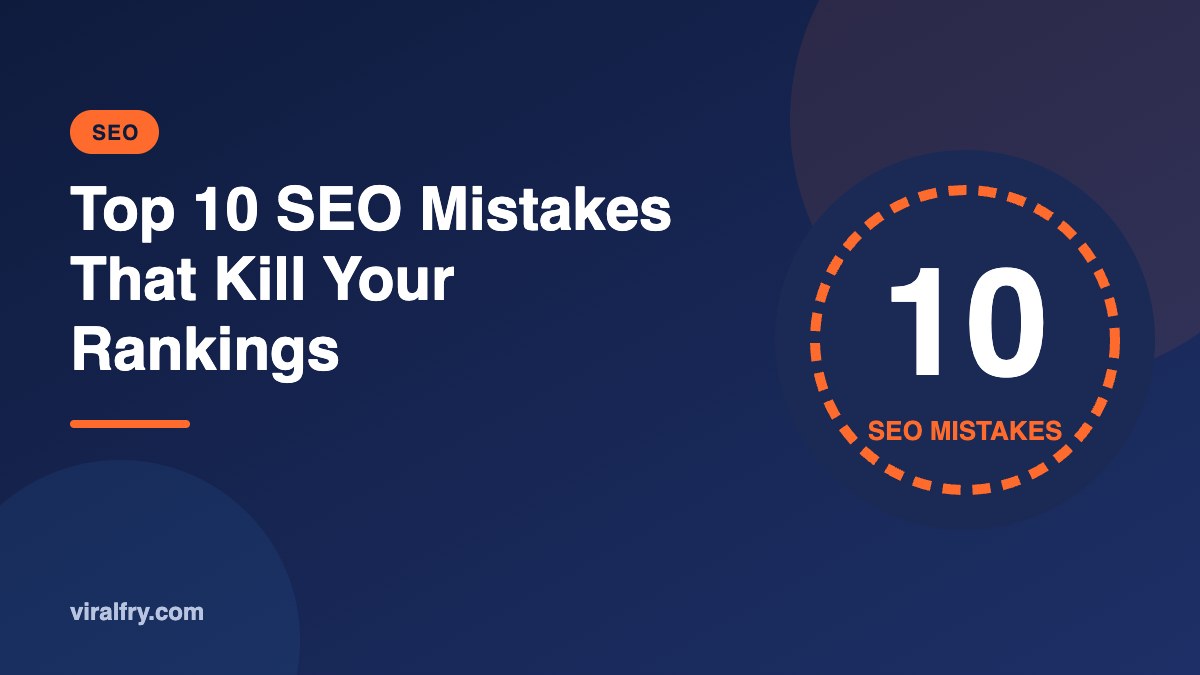
The SEO mistakes that most often kill rankings are ignoring search intent, publishing thin or unoriginal content, keyword cannibalization, unchecked technical errors, slow mobile pages, weak internal linking, buying links, poor titles, never updating old content, and measuring rankings instead of business results. Most are fixable in weeks once you know where to look.
When a site loses traffic, owners often blame an algorithm update. Sometimes that is true. More often, an update simply exposed problems that were already there. Here are the ten mistakes we find most often in audits, roughly in order of how much damage they do.
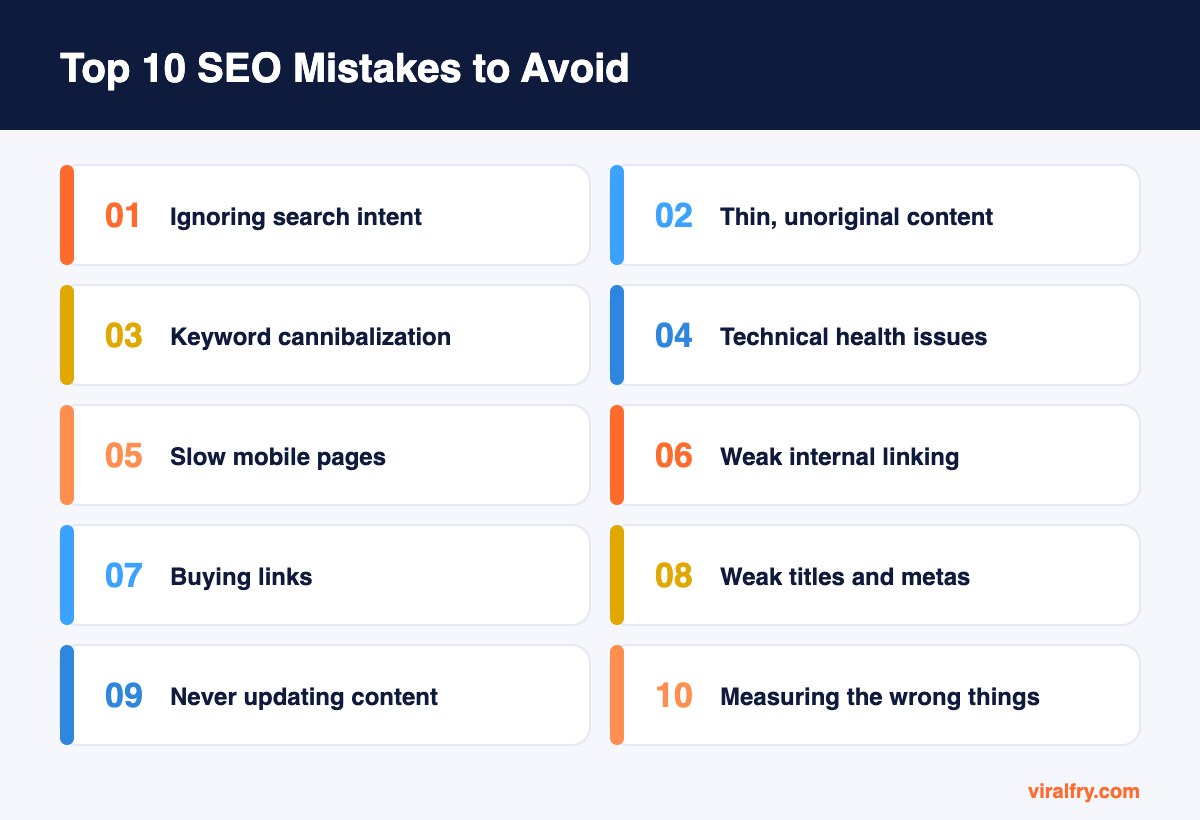
What Are the Biggest SEO Mistakes?
1. Targeting keywords without checking search intent
This is the most expensive mistake we see. A team writes a beautiful guide for a keyword where Google only ranks product pages, or a sales page for a query where searchers want a free tutorial. No amount of optimization fixes a mismatch.
Before writing anything, search the keyword and study the top ten results. Match the format and angle Google already rewards, then make your version clearly better.
2. Publishing thin or unoriginal content
Pages that repeat what everyone else says, with no examples, data, or experience, struggle after Google’s helpful content and core updates. Mass-produced AI content without editing falls into the same trap.
Add information gain: real screenshots, numbers from your business, expert quotes, and honest opinions. One great page beats five average ones.
3. Keyword cannibalization
When several of your pages target the same intent, Google has to guess which one to rank, and often ranks none of them well. You will see URLs swapping positions in Search Console for the same query.
Merge overlapping pages into one strong page with 301 redirects, or give each page a clearly different intent and link between them.
4. Ignoring technical health
Accidental noindex tags, wrong canonicals, broken internal links, redirect chains, and blocked resources can quietly remove pages from search. These problems are invisible to visitors, which is why they last for months.
Crawl your site quarterly and check the Pages report in Search Console. Our HTML on-page audit checklist covers the essentials.
5. Slow, clunky mobile pages
Most searches happen on phones. Heavy images, too many scripts, and pop-ups that cover content frustrate users and weaken your pages against faster competitors.
Check PageSpeed Insights for your key templates and fix the biggest issues first: image compression, unused plugins, and layout shift.
6. Weak internal linking
Important pages buried four clicks deep, orphan pages with no internal links, and vague anchors like “click here” all make it harder for search engines to understand what matters on your site.
Link from your strongest pages to the pages you want to rank, using descriptive anchor text, and keep key pages within three clicks of the homepage.
7. Buying links or using link schemes
Paid followed links, private blog networks, and large-scale link exchanges violate Google’s spam policies. Some sites get manual actions; many simply find the links ignored, which wastes the budget.
Earn links with original research, digital PR, useful tools, and relationships. See our guide to hiring link building experts safely.
8. Weak titles and meta descriptions
Duplicate, missing, or vague titles waste the most visible part of your search listing. Even when you rank, a dull title loses clicks to more compelling competitors.
Write unique titles with the main keyword near the start and a clear benefit. Use meta descriptions to promise exactly what the page delivers.
9. Never updating old content
Outdated statistics, broken links, and old screenshots slowly erode rankings and trust. Competitors who refresh their pages overtake you without changing their strategy.
Run a yearly content audit. Update, merge, or redirect pages instead of letting them decay.
10. Measuring rankings instead of results
Ranking first for a keyword nobody buys from is not a win. Many teams report positions and traffic while ignoring leads and revenue.
Track conversions by landing page in GA4, and judge SEO work by the business outcomes it produces.
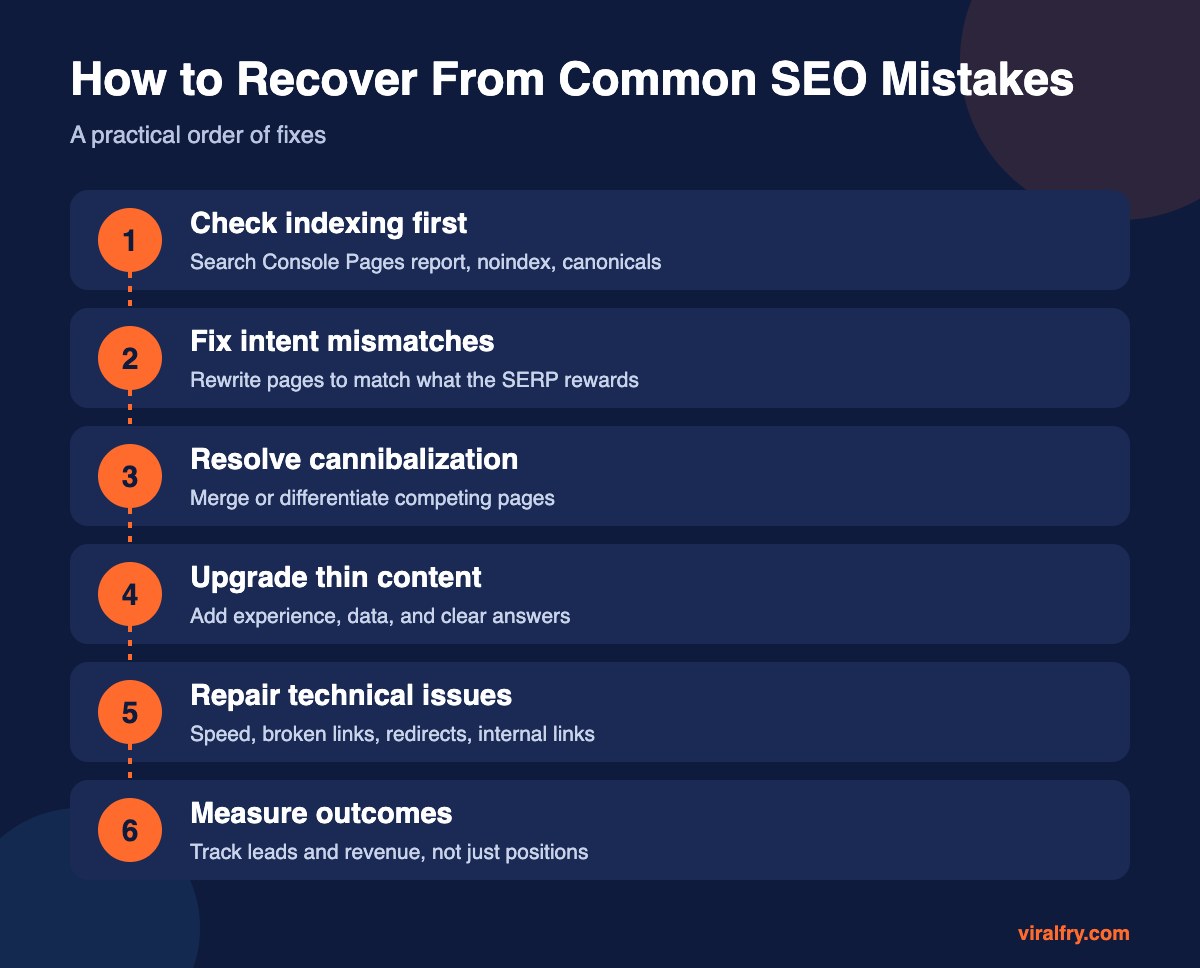
How Do You Know Which Mistake Is Hurting You?
| Symptom | Likely mistake | Where to check |
|---|---|---|
| Pages missing from Google | Technical (noindex, canonicals) | Search Console Pages report |
| Two URLs swapping positions | Cannibalization | Search Console Performance by query |
| Ranking but few clicks | Weak titles or SERP features | Search Console CTR |
| Traffic but no leads | Intent mismatch or poor CTA | GA4 landing pages and conversions |
| Gradual decline over a year | Outdated content | Page-level traffic trends |
| Sudden drop after an update | Thin or unhelpful content | Compare winners and losers in the SERP |
How Long Does It Take to Recover From SEO Mistakes?
Technical fixes such as removing a stray noindex can show recovery within days to weeks after recrawling. Content and intent fixes usually take one to three months to show clearly. Recovering from a broad core update can take until the next core update, because Google reassesses sites over time. Keep improving rather than waiting.
How Can You Prevent These Mistakes in the Future?
- Check search intent before every new page
- Run a site crawl every quarter and after every redesign
- Keep a keyword-to-page map to avoid cannibalization
- Review your top 20 pages every six months for freshness
- Report on leads and revenue, not just positions
If a specific page will not move, our guide on why a keyword is not ranking walks through diagnosis step by step, and common HTML SEO mistakes covers code-level problems.
What Should You Fix First After a Traffic Drop?
Start by confirming the drop is real. Compare the same period year over year to rule out seasonality, and check that analytics tracking did not break. Then open Search Console and look at which pages and queries lost clicks.
If a handful of pages lost most of the traffic, look at those pages first: did a competitor publish something better, did an AI Overview appear, or did the page go out of date? If losses are spread across the whole site, check technical health and indexing, then compare your content quality with the sites that gained.
Write down what you change and when. Recovery is much easier to understand when every fix has a date next to it.
Key Takeaways
- Search intent mismatch is the most expensive SEO mistake.
- Thin content and cannibalization often explain stalled rankings.
- Technical errors are silent; crawl regularly.
- Earn links rather than buying them.
- Measure SEO by business results, not just rankings.
Frequently Asked Questions
What is the most common SEO mistake?
Targeting keywords without matching search intent is one of the most common and costly mistakes. If your page format does not fit what searchers want, it will struggle to rank.
Can SEO mistakes cause a Google penalty?
Link schemes and spam tactics can lead to manual actions. Most other mistakes do not cause penalties but reduce how well pages rank.
How do I check my site for SEO mistakes?
Use Google Search Console, a crawler like Screaming Frog, PageSpeed Insights, and GA4. Together they reveal indexing, technical, speed, and conversion problems.
Is it bad to have old content on my website?
Old content is not bad by itself. Outdated, thin, or overlapping content is. Update, merge, or redirect pages that no longer serve readers.
Add as Preferred Source